
Slow Wi-Fi is one of the most common complaints in offices, schools, clinics, showrooms and homes. Many people immediately blame the internet provider, but the real issue is often inside the premises. A high-speed internet plan cannot perform well if access points are poorly placed, cables are weak, routers are overloaded or too many users share one device.
Coverage is not the same as capacity
A phone may show full signal and still perform badly. Signal strength only says the device can hear the access point. It does not prove that the access point can handle all connected users or that the back-end network is strong. Meeting rooms, classrooms, waiting areas and staff areas need capacity planning because many devices may connect at the same time.
Common reasons Wi-Fi fails
- One router is expected to cover the entire building.
- Access points are placed where power sockets are available instead of where users work.
- Repeaters are used without proper design, causing unstable roaming and speed loss.
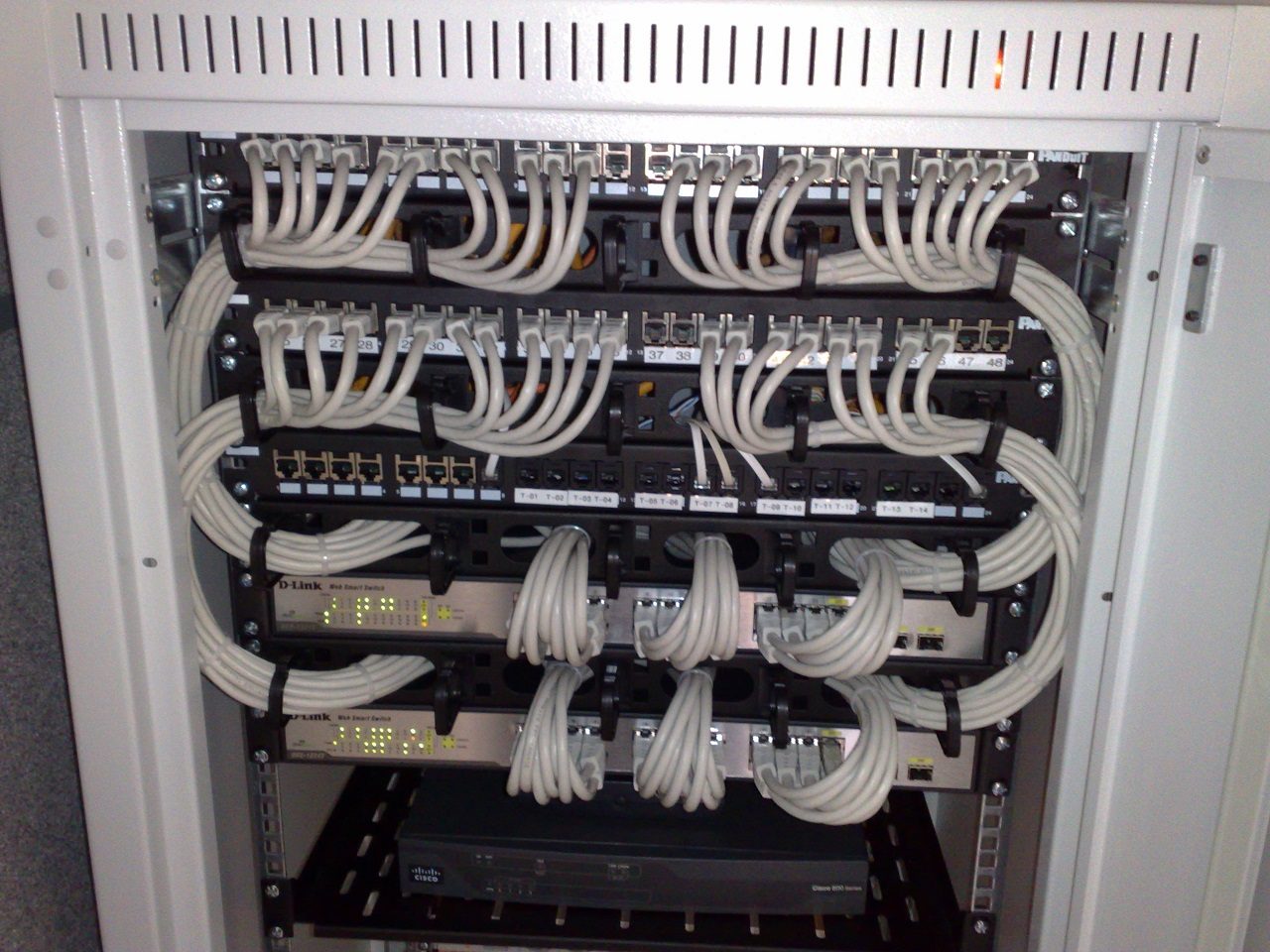
- Old switches, poor cabling or weak connectors create bottlenecks.
- Guest Wi-Fi is not separated from office systems.
- No one monitors bandwidth usage, firmware updates or unauthorized devices.
A professional Wi-Fi setup starts with the building layout. Walls, floors, glass partitions, metal shelves, electrical equipment and distance all affect performance. Access points should usually be wired back to the network rack instead of depending on wireless repeating. For business sites, managed access points, VLANs, proper switching and firewall rules give better control than consumer routers.
What a better setup looks like
A good business Wi-Fi design separates staff, guest, CCTV and management traffic where required. It uses reliable cabling, branded access points, correct PoE switching, secure passwords and documentation. It also considers future growth. If the business plans more users, cloud applications, CCTV, billing counters, IP phones or smart devices, the network should be ready for that expansion.
Blue Orbit Technologies studies the site before recommending equipment. We look at user count, building layout, critical applications, security needs and support requirements. This prevents the common mistake of buying random routers and hoping the problem disappears.
