
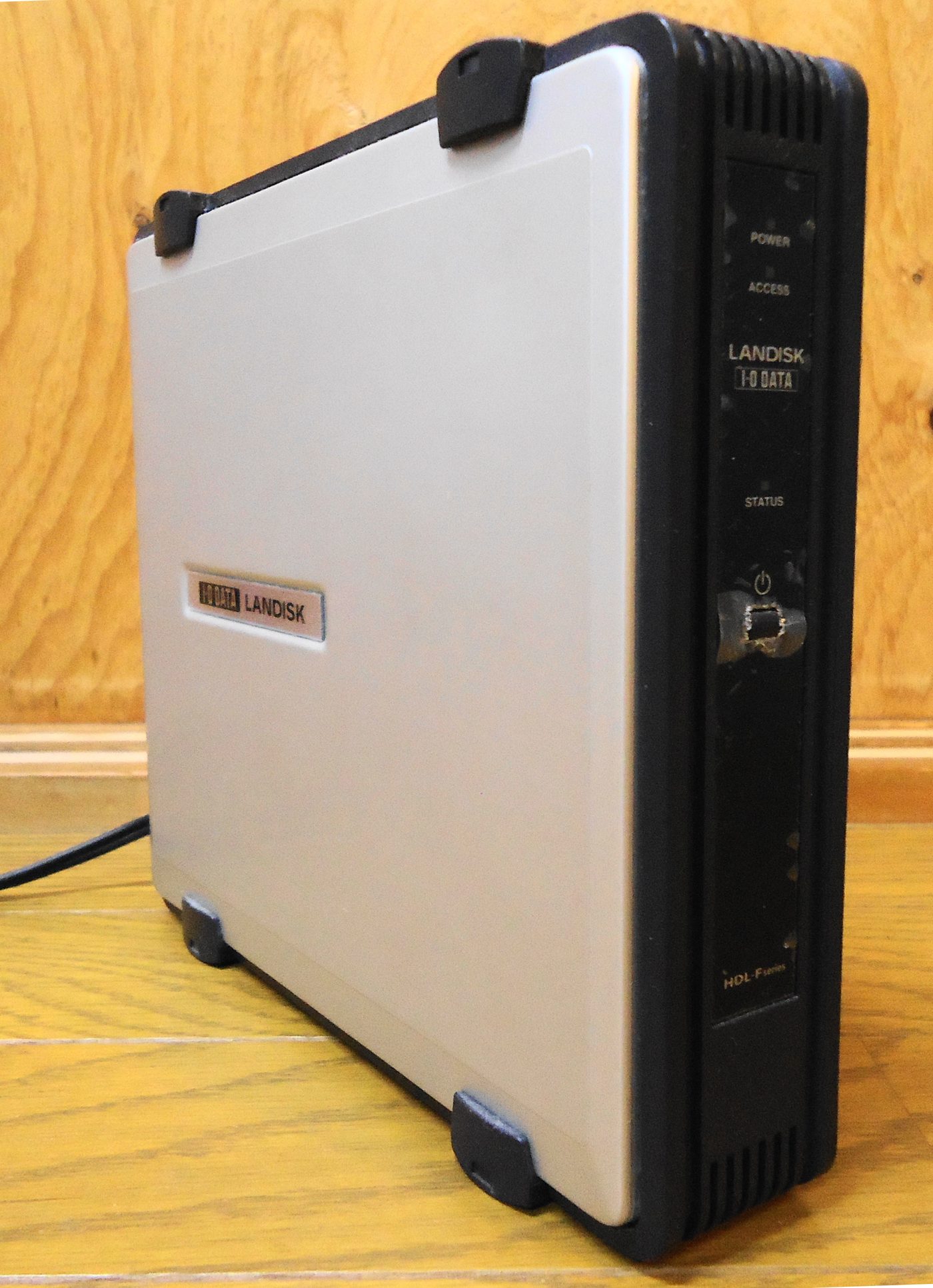
When business files are scattered across desktops, laptops, external drives and messaging apps, teams lose time and increase data-loss risk. A NAS gives the office a controlled central storage point when shared folders, permissions and backups are planned correctly.
What we plan before installation
- Current data size and growth
- User permissions and folder structure
- RAID, snapshots and backup needs
- UPS protection for safe shutdown
- Network speed and cabling quality
- Disk health and alert monitoring
RAID is useful, but it is not a backup. Blue Orbit Technologies designs NAS storage as part of a wider file, backup and recovery plan.
Read the related TechHub storage guides
For RAID basics and small-business server backup planning, continue to Blue Orbit TechHub.